Modern Warfare 4 Cheats for PC, PS5 and Xbox
Modern Warfare 4 Cheats from HDCHEAT provide a complete collection of configurable combat, visibility and protection features for players on PC, PlayStation 5 and Xbox. This package combines an advanced Aimbot, detailed ESP, Wallhack, Radar, Loot ESP, weapon assistance, FOV Changer, StreamProof support and built-in HWID protection for compatible PC editions.
Every major feature can be configured according to your preferred playstyle. You can enable only the tools you need, adjust their behavior and disable unnecessary information to keep your screen clear.
The product supports multiple platforms, but installation and activation are not identical on every system. PC customers receive the compatible loader and PC instructions, while PS5 and Xbox customers receive the appropriate console setup method. Always select the correct platform before completing your order.
A Complete MW4 Cheat Package
Instead of purchasing separate tools, this Modern Warfare 4 cheat combines the most important combat and visual features in one package. It is suitable for players who want accurate target assistance, better battlefield awareness and additional control over the information displayed on their screen.
The included features are:
- Customizable Aimbot
- Adjustable Aim FOV
- Aim Smoothing
- Target Selection
- Visibility Check
- Player ESP
- Box ESP
- Skeleton ESP
- Health ESP
- Distance ESP
- Weapon ESP
- Wallhack
- Advanced Radar
- Loot and Item ESP
- No Recoil
- No Spread
- FOV Changer
- StreamProof
- Built-in HWID Spoofer for compatible PC versions
- PC, PS5 and Xbox support
- Configurable hotkeys and settings
- Regular compatibility updates
- Platform-specific installation guide
Individual features and activation methods may differ between PC and console editions. Check the product status and selected platform before purchasing.
Advanced Modern Warfare 4 Aimbot
The included Modern Warfare 4 Aimbot provides configurable aiming assistance for different weapons, ranges and combat situations. It can be adjusted for close-range encounters, medium-range gunfights or longer-distance engagements.
Instead of forcing every customer to use the same configuration, the Aimbot menu allows you to control how the targeting system behaves.
Customizable Aimbot Settings
Available aiming options include:
- Adjustable Aim FOV
- Configurable aim key
- Aim smoothing
- Target bone selection
- Target priority
- Maximum target distance
- Visibility-based targeting
- Separate weapon configurations
- Quick enable and disable controls
Aim FOV determines the area around your crosshair in which a target can be selected. A smaller FOV creates more restricted targeting, while a larger FOV allows the system to detect targets across a wider portion of the screen.
Aim smoothing controls how quickly your crosshair moves toward the selected target. Higher smoothing creates more gradual movement, while lower smoothing provides faster target acquisition.
Target bone selection allows you to choose the preferred aiming point, such as the head, neck, chest or another supported body position. This makes the Modern Warfare 4 Aimbot adaptable to different weapons and situations.
Visibility Check
Visibility Check helps the targeting system distinguish between visible opponents and players who are positioned behind solid objects. When enabled, the Aimbot can prioritize targets that can currently be engaged.
This option is useful when you want to reduce unnecessary target switching and focus on opponents who are directly visible.
Modern Warfare 4 ESP and Wallhack
Modern Warfare 4 ESP displays additional information about players and relevant objects around the map. It improves situational awareness by helping you understand where opponents are located and what is happening beyond your immediate field of view.
The ESP menu is customizable, allowing you to choose exactly which information appears on your screen.
Player ESP
Player ESP can display:
- Player boxes
- Skeleton lines
- Health information
- Distance indicators
- Equipped weapons
- Player direction
- Visibility status
- Team identification
- Maximum display distance
Box ESP places a configurable box around detected players, making their location easier to identify. Skeleton ESP displays a simplified representation of the player model and can provide clearer information about body position.
Health ESP helps you identify damaged targets, while Weapon ESP shows the weapon currently carried by a detected player. Distance ESP indicates how far each player is from your current position.
These settings can be enabled or disabled independently. If you prefer a minimal interface, you can use only boxes and distance. If you want more information, you can activate the complete Player ESP configuration.
Wallhack Visibility
The included Wallhack feature provides information about player positions even when direct visual contact is blocked. This can help you monitor nearby movement, prepare for approaching opponents and understand the activity taking place around buildings or other map structures.
Wallhack settings work together with Player ESP, allowing you to configure colors, display distance and visibility indicators according to your preference.
Advanced MW4 Radar
The Modern Warfare 4 Radar provides a separate overview of nearby player positions. It is particularly useful when opponents are outside your normal field of view or approaching from another direction.
Radar options may include:
- Adjustable radar position
- Configurable radar size
- Player direction indicators
- Distance controls
- Team and opponent colors
- Zoom adjustment
- Custom display range
You can reposition the radar to a convenient part of your screen and configure its size so that it does not interfere with standard game information.
When combined with Modern Warfare 4 ESP, Radar provides a broader understanding of the battlefield without requiring an overloaded visual configuration.
Loot and Item ESP
Loot ESP helps identify supported items and equipment located around the map. Instead of searching every location manually, you can configure the system to highlight relevant objects within a selected distance.
Depending on the selected game mode and current product version, Loot ESP can display supported:
- Weapons
- Ammunition
- Equipment
- Supply items
- Containers
- Objectives
- Other important objects
Display distance and item categories can be adjusted to prevent unnecessary information from appearing on the screen.
Weapon Assistance Features
The package also includes configurable weapon assistance designed to provide greater control over weapon behavior.
No Recoil
No Recoil reduces or compensates for supported weapon recoil. This can help keep the crosshair more stable during sustained fire and make automatic weapons easier to control.
No Spread
No Spread reduces supported weapon spread and helps create more consistent shot placement. Availability and behavior can vary depending on the selected weapon, platform, game update and product version.
These options can be enabled separately, allowing you to use one feature without activating the other.
FOV Changer
FOV Changer allows supported users to modify the visible field of view beyond the standard configuration available in the game menu.
A wider field of view can provide a broader view of the environment, while a narrower value creates a more focused perspective. The setting can be adjusted according to screen size, resolution and personal preference.
This feature is separate from Aim FOV. Game FOV changes the visible camera perspective, while Aim FOV controls the target-selection area used by the Aimbot.
StreamProof Support
StreamProof mode is designed to prevent supported cheat overlays from appearing in compatible screen-capture and streaming applications.
When configured correctly, the player can continue seeing the enabled overlay on the main display while supported recording software captures only the game output.
Compatibility can depend on the selected capture program, capture method, display mode, graphics API and current product version. Customers who plan to record or stream should follow the supplied StreamProof instructions carefully and test their configuration before broadcasting.
Built-In HWID Spoofer for PC
Compatible PC editions of the product include built-in HWID protection. The integrated spoofer is designed to modify or protect supported hardware identifiers while the product is active.
Because HWID systems and anti-cheat requirements can change, spoofer compatibility depends on the current game version, Windows configuration and selected product edition.
The built-in spoofer is intended for the supported PC package. PS5 and Xbox versions use their own platform-specific activation and protection methods and do not use the standard Windows loader.
If your system already has a hardware restriction or you need a permanent system-level solution, contact HDCHEAT support before purchasing. The integrated protection should not automatically be treated as a replacement for every standalone or permanent HWID spoofer.
Supported Platforms
Modern Warfare 4 Cheats are available for supported PC and console systems.
PC Support
The PC edition supports compatible versions of:
- Steam
- Battle.net
- Xbox App for PC
- Windows 10
- Windows 11
PC customers receive access to the compatible loader, activation key and installation instructions for the selected edition.
System configuration can affect compatibility. Virtual machines, unsupported Windows builds, outdated drivers and certain security configurations may prevent the loader from working correctly.
PlayStation 5 Support
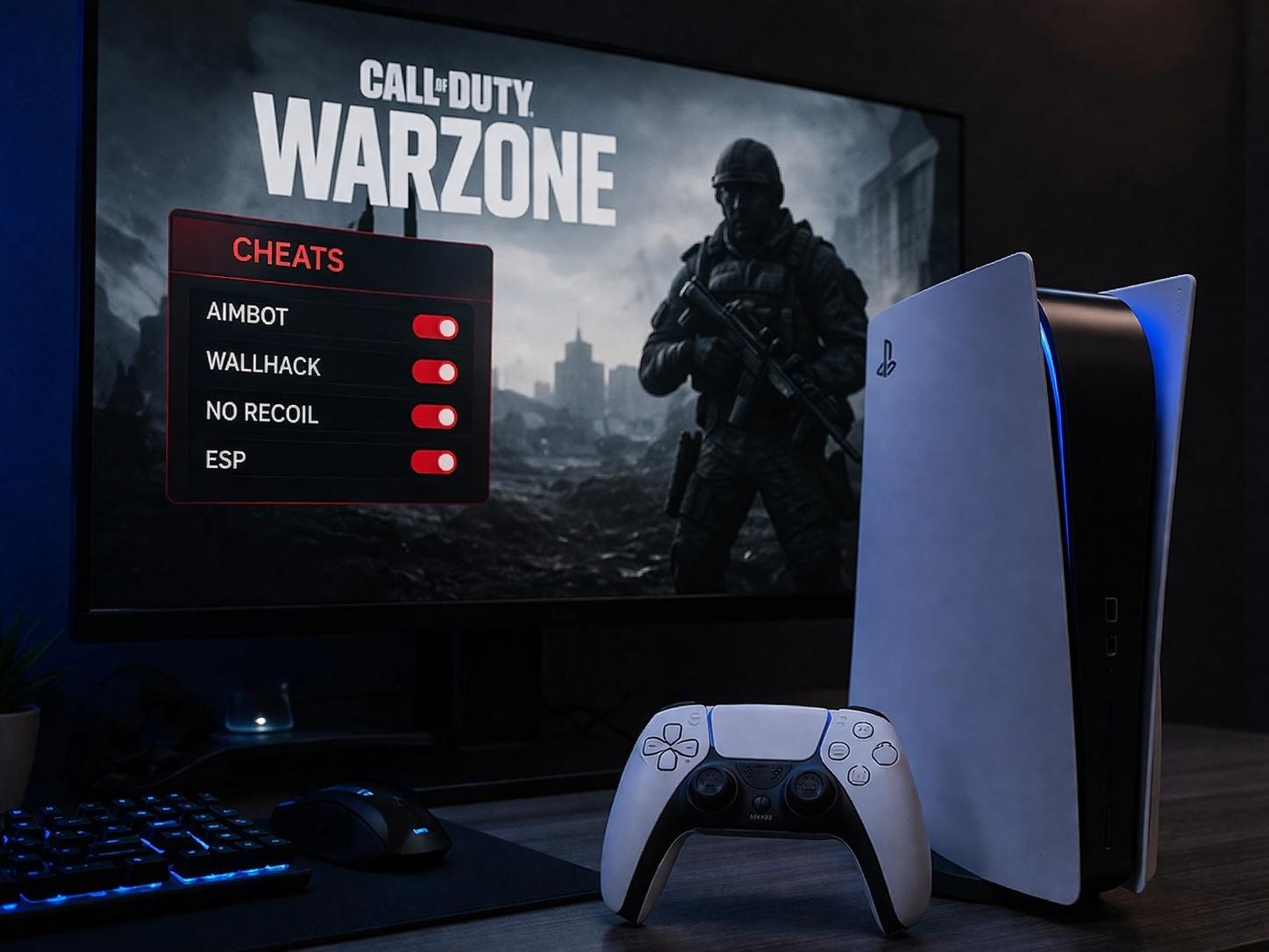
A dedicated PS5-compatible edition is available. The console setup does not use the same installation process as the Windows edition.
PS5 customers receive the appropriate activation instructions after purchase. A computer, USB drive or another setup requirement may be necessary depending on the current console method. Review the current requirements or contact support before ordering if you are unsure.
Xbox Support
Modern Warfare 4 Cheats are also available for supported Xbox systems. Xbox activation and configuration are provided separately from the PC loader.
Choose Xbox as your platform when ordering so that you receive the correct product access and setup instructions.
Feature availability can differ between PC, PS5 and Xbox. Some PC-specific settings, including Windows-based StreamProof options and built-in HWID spoofing, may not apply to the console editions in the same form.
Customizable Menu and Hotkeys
The Modern Warfare 4 Hacks menu is designed to make feature configuration straightforward. Major options are organized into separate categories for Aimbot, ESP, Radar, weapon settings, visuals and protection.
You can create a lightweight configuration or enable a more detailed setup depending on your preference.
Common configuration options include:
- Enable or disable individual features
- Change menu and feature hotkeys
- Adjust colors
- Modify ESP distance
- Select target bones
- Change aim smoothing
- Configure Aim FOV
- Move and resize Radar
- Save preferred settings
- Load an existing configuration
A configuration that works well for one player may not be ideal for another. Resolution, sensitivity, weapon choice, display size and playstyle should all be considered when adjusting the menu.
How Delivery and Activation Work
This is a digital product. No physical package will be shipped.
After your payment is confirmed, you receive the required product access for the platform and license selected during checkout.
The general process is:
- Select PC, PS5 or Xbox.
- Choose the available license duration.
- Complete the checkout.
- Receive your activation details.
- Read the platform-specific installation guide.
- Complete the required setup.
- Configure the available features.
- Contact HDCHEAT support if assistance is required.
Do not follow PC installation instructions when using the PS5 or Xbox edition. Each platform has its own requirements and activation process.
Regular Updates and Product Status
Online games receive frequent patches that can temporarily affect third-party software compatibility. HDCHEAT monitors supported products and releases compatibility updates when required.
Customers should check the current product status before launching the software after a major game update. If the status indicates maintenance or updating, wait until the product is confirmed as available again.
License handling during maintenance depends on the selected product and license type. Current information will be provided through the product status page, customer area or official support channel.
Never use an outdated loader after a major game or anti-cheat update unless HDCHEAT has confirmed that the version remains supported.
Why Choose HDCHEAT?
HDCHEAT focuses on providing maintained digital gaming products with clear setup instructions and customer assistance.
Your purchase includes:
- Fast digital delivery
- Multiple supported platforms
- Configurable features
- Platform-specific setup instructions
- Regular compatibility updates
- Access to customer support
- Multiple license durations
- Clear product status information
HDCHEAT does not recommend purchasing before confirming that your operating system, game edition and selected platform are supported.
Important Information Before Purchasing
Please review the following points before completing your order:
- Select the correct platform.
- PC, PS5 and Xbox activation methods are different.
- Make sure your game edition is supported.
- Check the current product status.
- Review all system and setup requirements.
- Do not purchase a PC license for console use.
- Do not attempt to use the Windows loader on PS5 or Xbox.
- Follow the supplied instructions in the correct order.
- Disable conflicting overlays or software if instructed.
- Contact support before purchasing if compatibility is unclear.
No cheat can guarantee permanent protection against every possible detection, report, game update or account action. Product status, supported features and compatibility may change after game or anti-cheat updates.
Frequently Asked Questions
Does this product support Modern Warfare 4 on PC?
Yes. The PC edition supports compatible Steam, Battle.net and Xbox App for PC versions. Select the correct PC edition before purchasing and review the current compatibility status.
Does it support PlayStation 5?
Yes. A PS5-compatible edition is available. It uses a separate setup and activation process from the Windows loader.
Does it support Xbox?
Yes. Supported Xbox systems can use the dedicated Xbox edition. Select Xbox during purchase to receive the correct activation details and instructions.
Are all features identical on PC and console?
Not necessarily. Platform restrictions mean that certain features and setup requirements may differ between PC, PS5 and Xbox. The Windows-based loader, HWID Spoofer and StreamProof configuration primarily apply to supported PC editions.
Is an Aimbot included?
Yes. The Modern Warfare 4 Aimbot includes adjustable Aim FOV, smoothing, target selection, visibility checks and configurable activation controls.
Does it include ESP and Wallhack?
Yes. Modern Warfare 4 ESP includes configurable player information such as boxes, skeletons, health, distance, weapon details and visibility indicators. Wallhack functionality is also included.
Is Radar included?
Yes. The MW4 Radar can show supported nearby player positions and direction information. Its size, position, range and colors can be customized.
Is the HWID Spoofer included?
Compatible PC editions include built-in HWID protection. This is a PC-specific feature and may not replace every permanent or standalone spoofing solution.
Does StreamProof work with every recording application?
StreamProof supports compatible capture methods and applications, but compatibility can vary. Follow the supplied setup guide and test your recording configuration before streaming.
Which Windows versions are supported?
The PC edition supports compatible Windows 10 and Windows 11 systems. Modified, outdated or unsupported Windows builds may not work correctly.
How do I receive the product?
After payment confirmation, digital access and platform-specific instructions are provided for your selected edition. No physical item is shipped.
Can I use one license on multiple platforms?
Unless specifically stated otherwise, licenses are issued for the platform selected during checkout. A PC license should not be assumed to activate the PS5 or Xbox edition.
What should I do after a game update?
Check the current product status before launching. If maintenance is announced, wait until HDCHEAT confirms that the product has been updated and is ready to use.
Get Modern Warfare 4 Cheats from HDCHEAT
Choose your platform, select your preferred license duration and get access to Modern Warfare 4 Cheats featuring Aimbot, ESP, Wallhack, Radar, Loot ESP, weapon assistance, FOV Changer and platform-specific protection.
PC users can access the compatible loader and built-in HWID protection, while PS5 and Xbox customers receive the correct console activation method and setup guide.
Select the appropriate edition and get started with HDCHEAT.

 {% else
%}
 {% else
%}
 {% else
%}
 {% else
%}